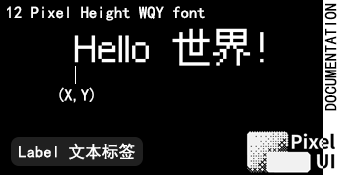
AppLauncher 是 PixelUI 自带的应用入口。它本身就是一个继承自 IconView 的普通App。
AppLauncher 从 单例UI框架的App管理机制 AppManager 里读取已注册 App,用户选中图标调用 ViewManager::launch() 启动应用。

AppLauncher 的默认实现
1. 注册可启动的 App
一个常规 App 使用 AppItem::make<T>() 生成注册项:
1
2
| AppItem settingsApp =
AppItem::make<SettingsApp>("Settings", settings_icon_bits);
|
然后在启动阶段在 registerApp() 函数里显式放进 AppManager。注册时机和顺序由启动代码直接控制:
1
2
3
4
5
6
| void registerApps() {
auto& apps = AppManager::getInstance();
apps.registerApp(settingsApp);
apps.registerApp(aboutApp);
}
|
注册表容量由 PIXELUI_MAX_APP_NUM 决定。实际项目中要在启动前确认所有项目都能放下;配置方法见资源上限。
2. 启动 launcher
1
2
3
4
5
6
7
8
9
10
11
12
13
14
15
16
17
18
19
20
21
22
| #include "ui/AppLauncher/AppLauncher.h"
U8G2 u8g2;
PixelUI ui(u8g2);
int main() {
init_display(u8g2);
registerApps();
ui.begin();
ViewManager& views = *ui.getViewManagerPtr();
const ViewManager::LaunchResult result = AppLauncher::launch(ui, views);
if (result != ViewManager::LaunchResult::Ok) {
platform_fatal("Cannot launch AppLauncher");
}
while (true)
run_ui_loop();
}
|
Launcher 一般作为栈底 App。页面暂停、恢复、fade 和失败结果见App 生命周期与 ViewManager。